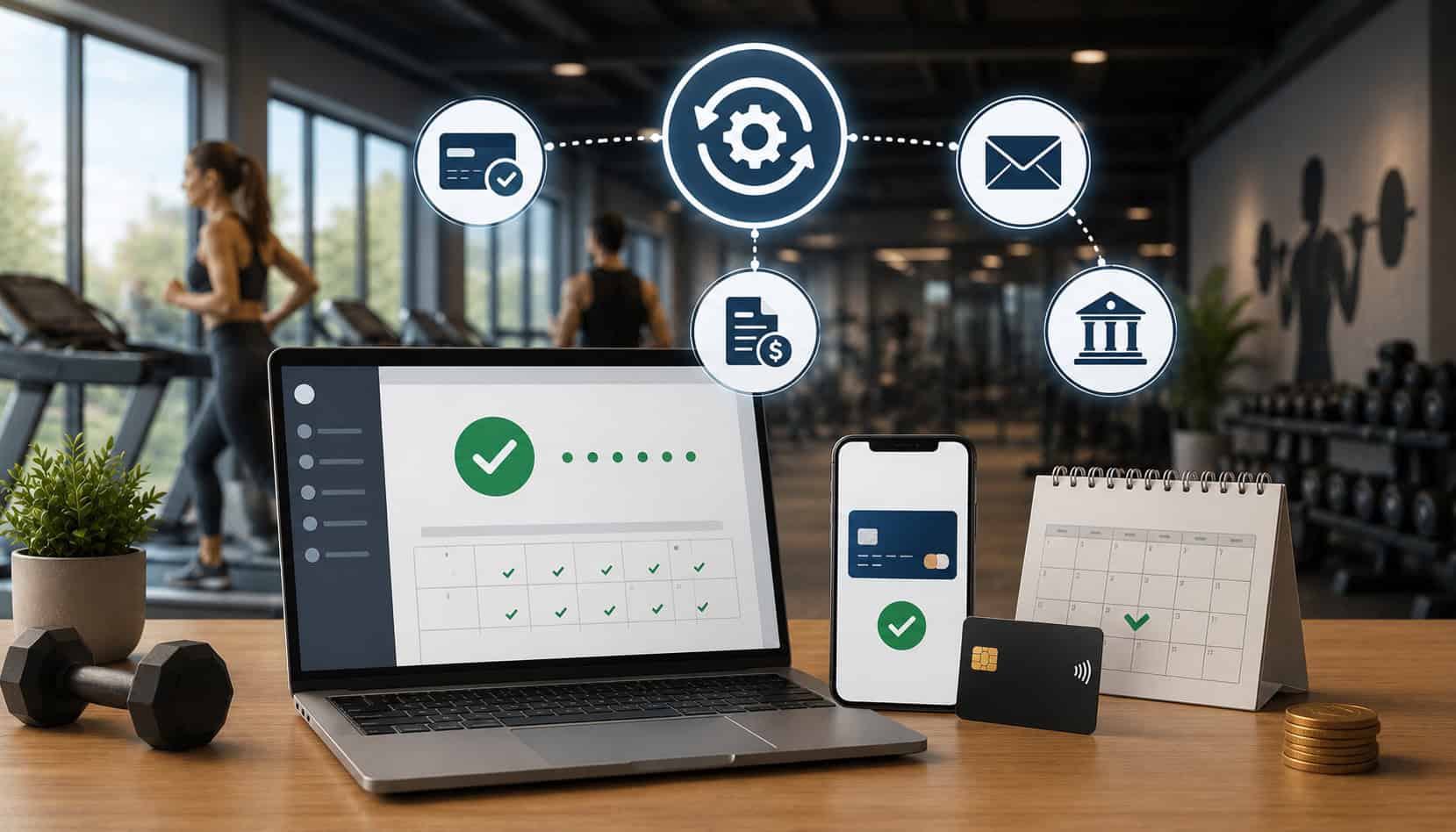
Missed payments can quietly weaken a business. A single late membership fee, unpaid subscription, or overdue invoice may seem small, but repeated delays can disrupt cash flow, increase administrative work, and create awkward customer conversations.
For businesses that rely on recurring memberships, subscriptions, service plans, class packages, or installment invoices, billing consistency matters. Staff may spend hours chasing failed cards, applying late fees, sending payment reminders, correcting invoices, and updating customer payment details.
Reducing missed payments through automated billing helps replace that reactive process with a more reliable system. Instead of waiting for customers to remember due dates or staff to follow up manually, payment automation schedules charges, sends reminders, tracks results, and supports failed payment recovery.
The goal is not only faster payment collection. It is also better customer convenience, clearer communication, fewer billing disputes, and stronger payment collection workflows.
What Is Automated Billing?
Automated billing is a system that handles routine billing tasks without requiring staff to manually create every invoice, send every reminder, or process every recurring charge. It can be used for memberships, subscriptions, payment plans, retainers, service packages, and repeat customer invoices.
At its core, automated billing connects billing schedules with payment collection. A business sets the billing amount, due date, frequency, customer payment method, and communication preferences. The system then generates invoices, runs payments, sends receipts, updates records, and flags issues when something fails.
Automated billing for recurring payments often includes:
- Scheduled invoices
- Recurring card charges
- ACH drafts
- Credit card autopay
- Debit card payments
- Online payment links
- Automated receipts
- Payment reminders
- Failed payment alerts
- Customer self-service update links
- Real-time billing reports
For example, a membership-based business may bill customers every month. With recurring payment automation, the system charges the saved payment method on the billing date, emails a receipt, and records the transaction. If the card fails, the system can retry the payment, notify the customer, and request updated payment information.
This approach also supports automated invoicing and payment processing. Instead of creating an invoice, emailing it manually, checking whether it was paid, and following up later, invoice automation can send the invoice, include a payment link, issue reminders, and mark the invoice paid once the transaction clears.
Businesses that manage recurring memberships can also benefit from dedicated automated billing and recurring payment workflows that connect payments with member records, renewals, and account updates.
Why Missed Payments Happen
Missed payments usually happen because of process gaps, not because customers intentionally avoid paying. A customer may forget an invoice, change cards, switch banks, miss an email, misunderstand billing terms, or assume a payment already went through.
For staff, manual billing creates more risk. If a reminder is not sent on time, if an invoice has the wrong due date, or if a declined payment is not reviewed quickly, collection may be delayed. The longer a payment remains unresolved, the harder it can be to collect without adding friction to the customer relationship.
Automated payment collection systems help reduce these issues by creating consistent steps. They can remind customers before a due date, process saved payment methods on schedule, alert staff when payments fail, and provide customers with update links.
Here are common causes of missed payments and how automation helps:
| Missed Payment Cause | Why It Happens | Automation Solution |
| Expired card | Customer receives a new card but does not update billing details | Card update request and account updater tools |
| Declined card | Insufficient funds, bank decline, or card limit issue | Automatic retry schedule and failed payment alert |
| Forgotten invoice | Customer overlooks email or due date | Payment reminders before and after due date |
| Manual billing delay | Staff forgets to send invoice or follow-up | Scheduled invoice automation |
| Unclear due date | Customer does not know when payment is expected | Clear invoice terms and automated due-date reminders |
| Outdated payment method | Customer changes card, bank, or billing address | Customer self-service payment update link |
| Poor follow-up | Failed payments are not reviewed quickly | Failed payment recovery dashboard |
| Disputed billing | Customer does not understand charge or policy | Clear receipts, billing history, and documented terms |
Automated billing does not remove the need for good policies. It supports those policies by making them easier to apply consistently.
Expired or Declined Cards
Expired and declined cards are among the most common reasons recurring payments fail. A customer may receive a replacement card, change card numbers after fraud prevention, exceed a card limit, or have insufficient funds at the time of billing.
Without automation, staff may not notice the failed transaction until days later. That delay can affect cash flow and create extra work. The customer may also continue using services without realizing payment did not go through.
Billing automation software can detect declines immediately and trigger a failed payment recovery workflow. That workflow may include an email, text notification, retry attempt, or secure link where the customer can update the payment method.
Manual Follow-Up Delays
Manual follow-up depends on staff availability, task lists, inboxes, and timing. Even strong teams can miss reminders during busy periods, staff changes, holidays, or high-volume billing cycles.
When payment collection workflows rely only on manual action, late payments can pile up. One overlooked invoice can become ten. A batch of declined payments can sit unresolved. Customers may not receive timely reminders, and staff may spend more time fixing issues than serving customers.
Automated reminders reduce this burden. The system can send a notice before the due date, another on the due date, and follow-up messages after a missed payment. Staff can then focus on exceptions instead of every routine payment.
This is especially useful for businesses using recurring billing solutions for memberships because payment consistency directly supports predictable revenue.
Confusing Billing Terms
Missed payments can also happen when customers do not fully understand the billing agreement. Confusing payment schedules, unclear cancellation terms, vague invoice descriptions, or surprise fees may lead to disputes and delayed payments.
Clear billing terms reduce friction. Customers should know when they will be charged, how much they will be charged, which payment method will be used, and how to update or cancel billing. Digital receipts and billing histories also help customers recognize charges.
Automated membership billing should not feel hidden or confusing. The best systems combine automation with transparency. Reminders, receipts, and customer portals make billing easier to understand and easier to manage.
How Automated Billing Reduces Missed Payments
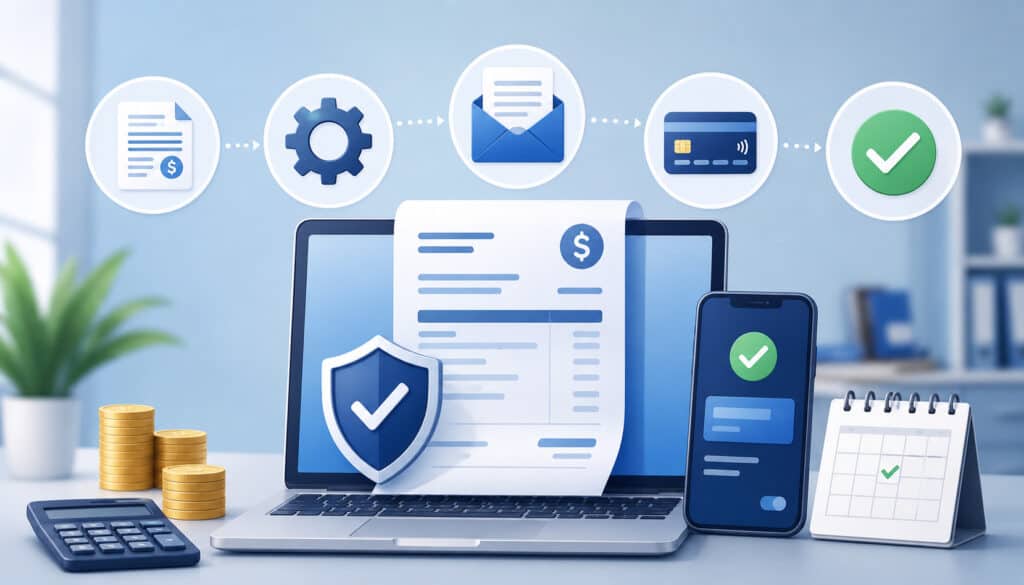
Reducing missed payments through automated billing starts with consistency. Instead of relying on customers to remember every due date or staff to manually follow up, the system applies the same billing process every time.
Scheduled charges are one of the biggest advantages. When a customer authorizes recurring billing, the payment can run automatically on the agreed date. This helps businesses collect memberships, subscriptions, retainers, installment payments, and service plan fees without sending a manual request each cycle.
Automated payment reminders also play a major role. A reminder before the due date gives customers time to check their balance, update payment information, or ask a question. A reminder after a missed payment keeps the issue visible without requiring staff to write a new message.
Failed payment recovery is another important benefit. If a card declines, the system can:
- Notify the customer
- Retry the payment
- Send a secure update link
- Alert staff
- Track recovery status
- Record communication history
This creates a more organized process than manually searching for failed payments and contacting customers one by one.
Digital receipts also improve trust. Customers receive confirmation after payment, which reduces confusion and helps them keep records. For invoices, automated invoicing and payment processing can mark balances paid automatically, reducing errors from manual entry.
Real-time payment tracking gives staff better visibility. Reports can show paid invoices, failed payments, upcoming charges, aging balances, and customers who need attention. That makes it easier to act early rather than waiting until payment problems become larger.
For businesses with high repeat-payment volume, payment processing infrastructure built for recurring operations can help connect billing, reporting, customer records, and online payment processing in one workflow.
Automated Billing for Recurring Payments
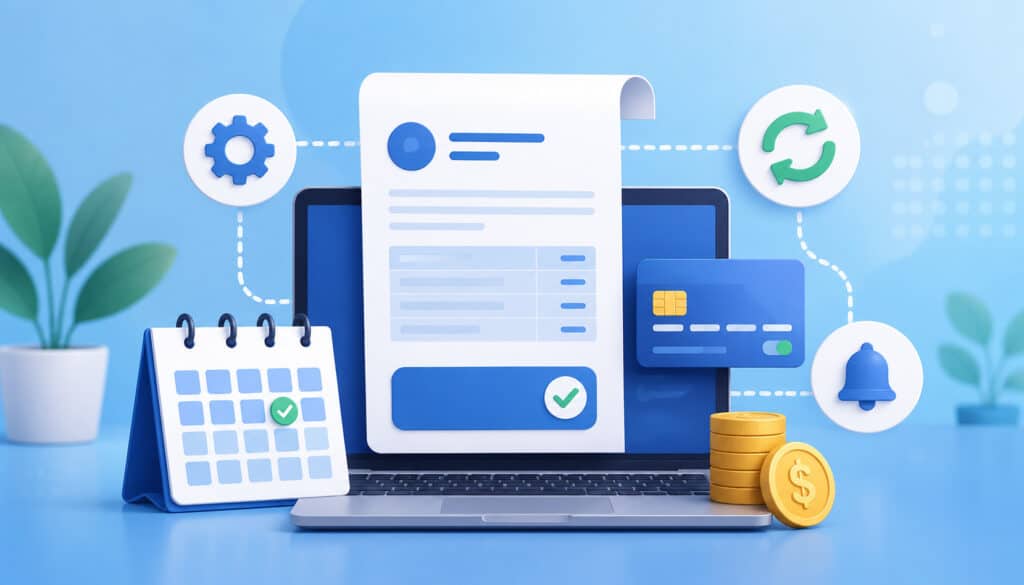
Automated billing for recurring payments is especially valuable for businesses that collect ongoing fees. This includes memberships, subscriptions, service plans, class packages, installment programs, and other repeat billing models.
In these models, revenue depends on reliability. If customers pay late, accounts receivable rises and staff must spend more time collecting. If cards fail without follow-up, revenue may be lost. If invoices are sent inconsistently, customers may become confused about their obligations.
Recurring billing solutions for businesses make the payment process more predictable. Once the customer agrees to the billing terms and saves a payment method, the system can charge the account automatically on the chosen schedule.
Common recurring billing schedules include:
- Weekly
- Biweekly
- Monthly
- Quarterly
- Annual
- Custom installment plans
- Usage-based billing cycles
Automated membership billing is also useful for account changes. A customer may upgrade, downgrade, pause, renew, or add services. A strong billing system should support these changes without creating duplicate invoices or missed charges.
Recurring payment automation also improves customer convenience. Customers do not need to log in every month, write checks, call in card details, or remember invoice due dates. They can enroll once and receive receipts after each successful payment.
Businesses that offer packages or memberships can strengthen retention by pairing automation with clear communication. For example, a reminder before renewal can reduce billing surprises, while a failed-payment notice can help customers resolve issues quickly.
Failed Payment Recovery Tools
Failed payment recovery is the process of identifying, communicating, retrying, and resolving payments that did not go through. It is one of the most important features of billing automation software because failed payments are often recoverable.
A failed payment does not always mean the customer is unwilling to pay. The issue may be temporary. The card may be expired. The bank may decline the transaction. The customer may need to update a billing address or switch payment methods.
Automated payment collection systems can respond faster than manual follow-up. When a payment fails, the system can immediately start a recovery workflow.
Useful failed payment recovery tools include:
- Automatic retry logic
- Failed payment alerts
- Secure payment update links
- Reminder emails
- Text notifications
- Customer self-service portals
- Staff dashboards
- Payment status tracking
- Account notes
- Escalation rules
Retry logic should be thoughtful. Retrying too often may frustrate customers or increase decline activity. Retrying too late may delay collection. A balanced retry schedule gives temporary issues time to resolve while keeping the payment visible.
Customer update links are also powerful. Instead of asking a customer to call with card details, the business can send a secure link where the customer updates payment information directly. This supports safer card-on-file handling and reduces staff exposure to sensitive payment data.
Failed payment reports should be reviewed regularly. Automation can flag the issue, but staff should still monitor unresolved balances, repeat declines, and accounts that require personal outreach.
Payment Methods That Support Automation
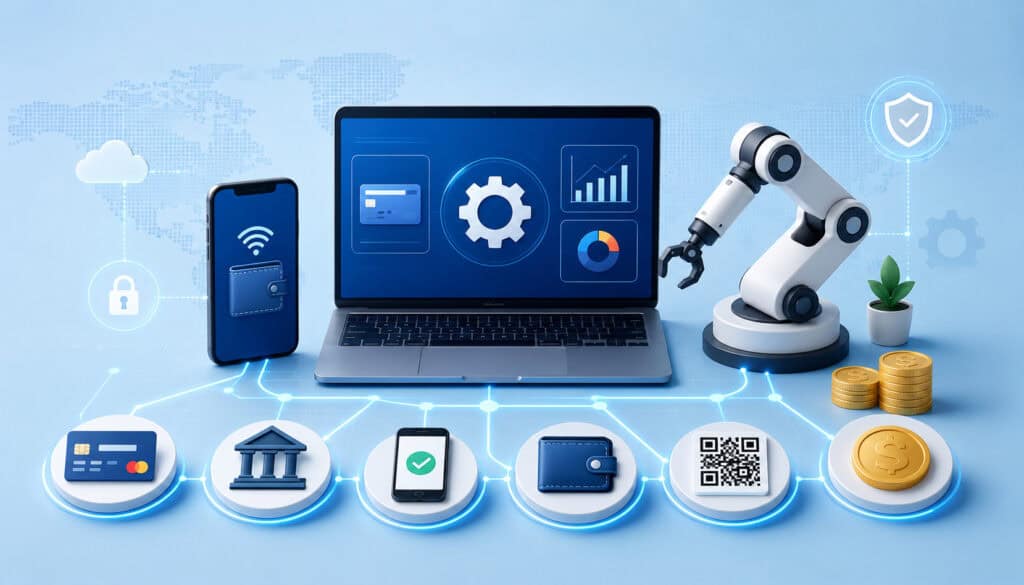
Automated billing works best when customers can choose payment methods that match their preferences. The more convenient the payment experience, the easier it is to reduce missed payments.
Credit card autopay is common because cards are widely used and easy to save for recurring billing. Debit cards are also common for memberships and subscriptions. Card payments are fast, familiar, and well suited for online payment processing.
ACH payments and bank drafts can also support recurring payment automation. ACH may be useful for larger invoices, service plans, or customers who prefer bank-based payments. For background on how ACH works, this ACH payment processing guide provides helpful context.
Online invoices are another option. Instead of requiring immediate autopay, the system sends an invoice with a payment link. Customers can pay by card, bank payment, or another supported method. This is useful for businesses that bill variable amounts.
Payment links are helpful for one-time balances, deposits, add-on services, and failed payment recovery. A customer can click the link, review the amount, and pay securely without staff collecting card details over the phone.
Mobile wallet options can also improve convenience when supported. Some customers prefer quick checkout methods, especially for smaller balances or mobile-first interactions.
A strong automated billing setup may support:
- Credit cards
- Debit cards
- ACH payments
- Bank drafts
- Online invoices
- Payment links
- Mobile wallet payments
- Card-on-file billing
- Recurring invoice schedules
The best payment method depends on billing amount, customer preference, transaction cost, settlement timing, and operational needs.
Security and Compliance Considerations
Automated billing involves customer payment data, so security matters. Businesses should never treat stored payment methods casually. A reliable billing process must protect customer information while still making recurring payments convenient.
Secure automated invoicing and payment processing usually relies on encryption, tokenization, access controls, and PCI-aware workflows. Tokenization replaces sensitive card data with a secure token, so the business does not need to store raw card details. This helps reduce risk and supports safer recurring billing.
Card-on-file storage should be handled through secure payment systems, not spreadsheets, paper forms, shared documents, or unprotected notes. Staff should not write down card numbers or store payment details in places that are not designed for sensitive data.
User permissions are also important. Not every employee needs access to billing settings, refunds, customer payment records, or reports. Role-based permissions help limit access to the people who need it.
Refund controls are another consideration. Businesses should define who can issue refunds, when approval is required, and how refunds are documented. This protects both the business and the customer.
Security-focused billing workflows should include:
- Encrypted payment transmission
- Tokenized card-on-file storage
- Secure customer update links
- User permissions
- Refund approval rules
- Audit logs
- Strong passwords and account controls
- Staff training
- Regular report review
For recurring billing, customer authorization should also be clear. Customers should understand that their payment method will be charged according to agreed terms. Clear authorization, receipts, and billing records reduce disputes and build trust.
Common Mistakes Businesses Should Avoid
Automated billing can reduce late payments, but only when it is set up correctly. A weak process can still create missed payments, customer confusion, and administrative problems.
One common mistake is launching automation without clear billing policies. Customers should know billing dates, payment methods, renewal terms, cancellation requirements, failed-payment handling, and late-fee rules. Automation should enforce a clear policy, not replace one.
Another mistake is storing card data manually. Writing card numbers on paper, keeping them in spreadsheets, or saving them in unsecure files creates unnecessary risk. Businesses should use secure card-on-file tools through appropriate payment systems.
Unclear cancellation terms can also cause disputes. If a customer believes they canceled but the business continues charging them, the result may be a complaint, refund request, or chargeback. Cancellation terms should be easy to understand and consistently applied.
Some businesses also fail to build a failed-payment workflow. They may automate successful payments but ignore declines until the end of the month. This defeats one of the main benefits of automation. Failed payments need alerts, retries, update links, and staff review.
Ignoring reports is another problem. Billing automation software can show trends, but someone must review them. Reports can reveal repeated declines, expired payment methods, unpaid invoices, and customers who need personal outreach.
Staff training matters too. Employees should understand how the system works, how to explain billing to customers, how to update accounts safely, and when to escalate issues.
Avoid these mistakes:
- Weak or undocumented billing policies
- Manual card storage
- Unclear cancellation terms
- No failed-payment workflow
- Too few payment options
- Ignoring billing reports
- Poor staff training
- Inconsistent customer communication
Best Practices for Reducing Late Payments With Automated Billing
Reducing late payments with automated billing requires both technology and process discipline. The software can send reminders and process payments, but the business still needs clear terms, accurate customer data, and regular oversight.
Start with billing clarity. Every customer should understand what they are paying, when they are paying, and how payment will be collected. Use clear invoice descriptions, confirmation emails, and receipts. Avoid vague charges that customers may not recognize.
Send reminders before due dates. A reminder gives customers time to update payment methods, check funds, or ask questions. For invoice-based billing, reminders can significantly reduce forgotten payments.
Offer multiple payment methods. Credit card autopay, ACH payments, online invoices, and payment links give customers flexibility. If one payment method fails, another may work.
Automate retries for failed payments. A smart retry schedule can recover payments that fail because of temporary issues. Combine retries with customer notifications so the customer understands what is happening.
Review failed payments regularly. Automation can identify issues quickly, but staff should still monitor unresolved accounts. A personal message may be appropriate for long-standing customers or high-value balances.
Keep customer payment information current. Encourage customers to update expired cards before the next billing date. Secure update links make this easier.
Reconcile reports often. Compare billing reports, deposits, invoices, refunds, and failed payments. Regular reconciliation helps catch errors before they become larger accounting problems.
Best practices include:
- Set clear billing terms upfront
- Use automated payment reminders
- Offer multiple payment methods
- Enable recurring billing where appropriate
- Automate failed-payment retries
- Send secure card update links
- Review decline reports
- Reconcile payments consistently
- Train staff on billing workflows
- Keep customer communication professional
Businesses can also improve results by choosing systems designed for recurring operations. Guides on automated gym billing and payments and optimizing recurring payment systems offer additional examples of how recurring billing, reminders, reporting, and failed-payment handling work together.
What is automated billing?
Automated billing is a system that schedules and manages customer billing tasks. It can create invoices, process recurring charges, send reminders, issue receipts, track payments, and alert staff when a payment fails.
It is commonly used for memberships, subscriptions, service plans, installment payments, retainers, and repeat invoices. The main purpose is to make billing more consistent and reduce manual work.
How does automated billing reduce missed payments?
Automated billing reduces missed payments by removing many manual steps from the collection process. It can charge saved payment methods on schedule, send payment reminders, retry failed payments, and notify customers when payment details need to be updated.
It also gives staff better visibility into unpaid balances and failed transactions. That makes it easier to act quickly instead of discovering issues much later.
Can automated billing handle recurring payments?
Yes. Automated billing for recurring payments is one of the most common uses of billing automation software. Businesses can set a recurring schedule, save an approved payment method, and charge customers automatically based on agreed terms.
This is useful for memberships, subscriptions, monthly plans, annual renewals, class packages, and installment billing.
What happens when a payment fails?
When a payment fails, the billing system can trigger a failed payment recovery workflow. This may include automatic retries, customer notifications, staff alerts, and secure links for updating payment information.
A good failed-payment process should be timely, organized, and easy for the customer to resolve.
Are automated payment collection systems secure?
Automated payment collection systems can be secure when they use encryption, tokenization, secure card-on-file storage, user permissions, and PCI-aware workflows. Businesses should avoid storing payment details manually in spreadsheets, paper files, or unprotected notes.
Security also depends on staff training, access controls, and consistent payment handling procedures.
Can businesses use ACH for automated billing?
Yes. ACH payments can support automated billing, especially for recurring invoices, memberships, larger balances, and customers who prefer bank-based payments.
ACH can be used alongside card payments, giving customers more flexibility and helping businesses create stronger payment collection workflows.
How do automated reminders help reduce late payments?
Automated reminders help customers remember upcoming due dates and unresolved balances. A reminder before the due date gives the customer time to prepare. A reminder after a failed or missed payment helps resolve the issue sooner.
Reminders also reduce staff workload because the system sends consistent messages without manual follow-up for every account.
What should businesses look for in billing automation software?
Businesses should look for billing automation software that supports recurring billing, invoice automation, online payment processing, payment reminders, failed payment recovery, reporting, secure customer payment updates, and multiple payment methods.
The system should also be easy for staff to use and clear for customers. Strong reporting, permissions, and reconciliation tools are especially helpful.
Conclusion
Reducing missed payments through automated billing helps businesses create more reliable payment workflows. It supports stronger cash flow, fewer manual follow-ups, faster failed payment recovery, and a more convenient customer experience.
Automated billing is most effective when paired with clear billing terms, secure payment handling, multiple payment options, automated reminders, retry logic, and regular report review.
For businesses that depend on memberships, subscriptions, invoices, or repeat service plans, billing automation is not just a convenience. It is a practical way to reduce late payments, protect revenue, and build a smoother payment experience for both staff and customers.