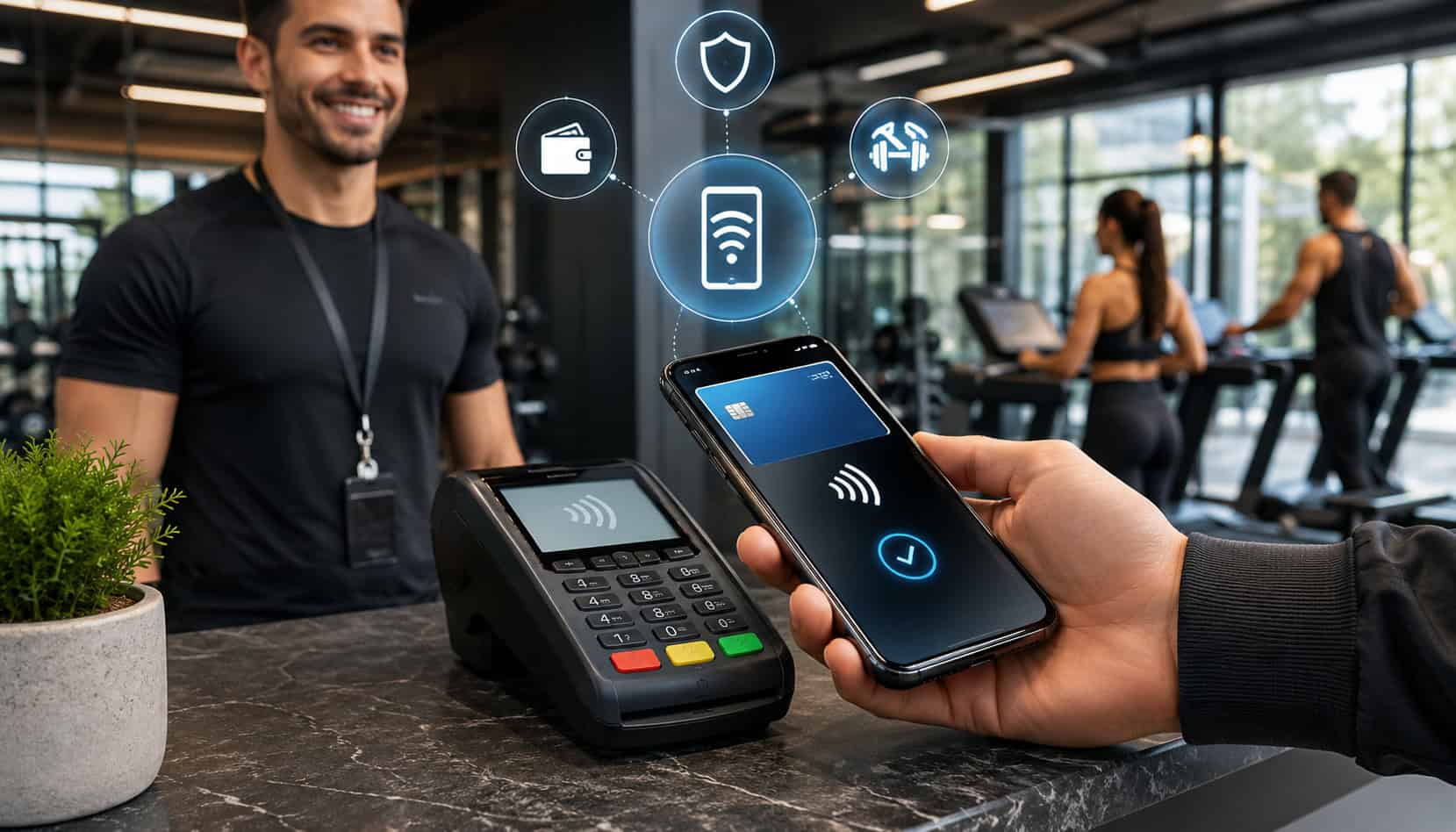
Fitness studios are built around momentum. Members book classes quickly, arrive minutes before a session, buy a drink or grip socks at the front desk, and expect payment to feel as smooth as the workout experience itself.
That is why mobile wallet payments for fitness studios have become a practical upgrade for modern gyms, boutique studios, yoga spaces, cycling rooms, martial arts schools, Pilates studios, and personal training businesses.
Mobile wallets help studios accept payments from smartphones, smartwatches, tap-to-pay cards, and saved digital wallets. Instead of asking members to dig through a bag for a card or wait while staff manually enter payment details, studios can complete transactions with a quick tap.
That matters during class rushes, drop-in check-ins, retail purchases, personal training package sales, and online booking payments.
For many studios, mobile wallet adoption is not only about speed. It also supports member payment convenience, cleaner checkout flows, secure gym payments, and better flexibility across in-person, mobile, and online channels.
When paired with the right fitness payment processing setup, mobile wallets can work alongside memberships, class packs, recurring billing, point-of-sale tools, and reporting systems.
What Are Mobile Wallet Payments for Fitness Studios?
Mobile wallet payments are digital payments made through a smartphone, smartwatch, contactless card, or another enabled device. In a fitness setting, this means a member can pay for a membership, drop-in class, private session, retail item, smoothie, towel rental, or workshop by tapping their device near a contactless-enabled terminal.
Common examples include Apple Pay for fitness studios, Google Pay for gyms, tap-to-pay cards, and other digital wallet payments. These payment methods typically use near-field communication, often called NFC, to pass payment information securely between the member’s device and the payment terminal.
A helpful overview of contactless acceptance explains that businesses generally need an NFC-capable reader or terminal to accept these payments through compatible systems: contactless payment FAQ.
For studio owners, the experience feels familiar because the payment still moves through a merchant account, payment processor, point-of-sale system, or online checkout. The difference is how the payment information is presented. Instead of swiping, dipping, or typing a card number, the member taps a wallet-enabled device or card.
Mobile wallet payment processing for gyms can support several transaction types, including:
- Front-desk class purchases
- Membership sign-ups
- Personal training packages
- Retail and merchandise sales
- Online booking payments
- Event registrations
- Account balance payments
- Card-on-file setup for recurring billing
The key benefit is flexibility. Members can pay with the method they already use in daily life, while the studio can keep payment records organized through its existing software or payment gateway.
Why Fitness Studios Should Offer Mobile Wallet Payments
Fitness studios operate in a high-expectation service environment. Members may tolerate a tough workout, but they rarely appreciate a slow checkout line, unclear billing process, or outdated payment experience. Offering fitness studio mobile payment solutions helps reduce friction at moments when convenience matters most.
Mobile wallets are especially useful because they match the way people already manage daily purchases. Many members carry their phones everywhere, use smartwatches during workouts, and store preferred payment methods digitally. When a studio accepts digital wallet payments, it removes small barriers that can slow down sign-ups, add-ons, and retail purchases.
For studio owners, mobile wallet payments can improve both service quality and operational flow. A fast checkout process keeps the front desk moving before and after classes. It also helps staff avoid unnecessary manual entry, repeated card requests, and awkward delays when a member is trying to join a class on time.
Mobile wallet payment processing for gyms also supports a more professional payment environment. When payments are accepted through secure terminals, connected software, and consistent workflows, the studio can better track transactions, issue receipts, manage refunds, and review sales activity.
| Mobile Wallet Feature | How It Helps Fitness Studios | Member Benefit |
| Tap-to-pay checkout | Speeds up front-desk transactions | Less waiting before class |
| Apple Pay and Google Pay support | Expands payment options | Members use preferred wallets |
| NFC-enabled terminals | Reduces manual card handling | Cleaner, smoother checkout |
| Digital receipts | Improves recordkeeping | Easier purchase tracking |
| Online wallet checkout | Supports bookings and packages | Faster remote payments |
| Tokenized payments | Limits exposure of card data | Stronger payment confidence |
| POS integration | Syncs sales and reporting | Fewer billing mistakes |
| Recurring billing compatibility | Supports memberships and plans | Convenient automatic payments |
A strong payment system also supports member trust. When members see modern terminals, clear payment options, and consistent receipts, they are more likely to feel confident buying memberships, class packs, and training sessions.
Faster Front-Desk Checkout
Front-desk speed matters in fitness studios because traffic often arrives in waves. Ten members may walk in five minutes before class, while another group is leaving, buying retail items, or asking about membership upgrades. During these moments, tap-to-pay fitness payments can make the difference between a smooth check-in and a crowded lobby.
Contactless payments for gyms reduce the steps required to complete a transaction. Staff can select the item or service, turn the terminal toward the member, and let the member tap a phone, watch, or card. This is much faster than manual entry and often smoother than chip-card payments.
Faster checkout also supports impulse purchases. A member who wants a protein drink, branded shirt, yoga mat, or last-minute guest pass is more likely to complete the purchase when payment is quick. Every saved second helps the front desk stay focused on hospitality rather than payment delays.
Better Member Convenience
Member payment convenience is one of the strongest reasons to offer mobile wallets. Fitness members may arrive with minimal belongings, especially for cycling, yoga, Pilates, boxing, or high-intensity classes.
Many bring only a phone, smartwatch, water bottle, and keys. If the studio accepts digital wallet payments, members do not need a physical card to buy a class, upgrade a package, or purchase retail items.
Mobile wallets also support a smoother experience for returning members. Someone who already uses Apple Pay, Google Pay, or another wallet does not need to retype card details every time they book online or pay at the studio. This reduces friction and helps keep the purchase path simple.
Convenience also improves perception. A studio that offers modern payment choices feels more organized, flexible, and member-focused. That can support retention because members notice when small operational details are easy.
Reduced Manual Payment Handling
Manual payment handling creates avoidable problems. Staff may mistype card details, forget to issue receipts, misplace handwritten notes, or delay checkout while searching for a saved account. Mobile wallet payments reduce these issues by allowing payments to move through connected terminals, POS systems, and online checkout flows.
Tap-to-pay also reduces the need for cash handling. While some studios may still accept cash, fewer cash transactions can simplify drawer management, end-of-day reconciliation, and staff accountability. It can also make checkout feel cleaner and more efficient.
For studios using membership software, mobile wallet integration for fitness centers can help ensure that transactions are recorded properly. When payments sync with member profiles, staff have fewer manual updates to make and fewer billing questions to resolve later.
Mobile Wallet Payment Processing for Gyms
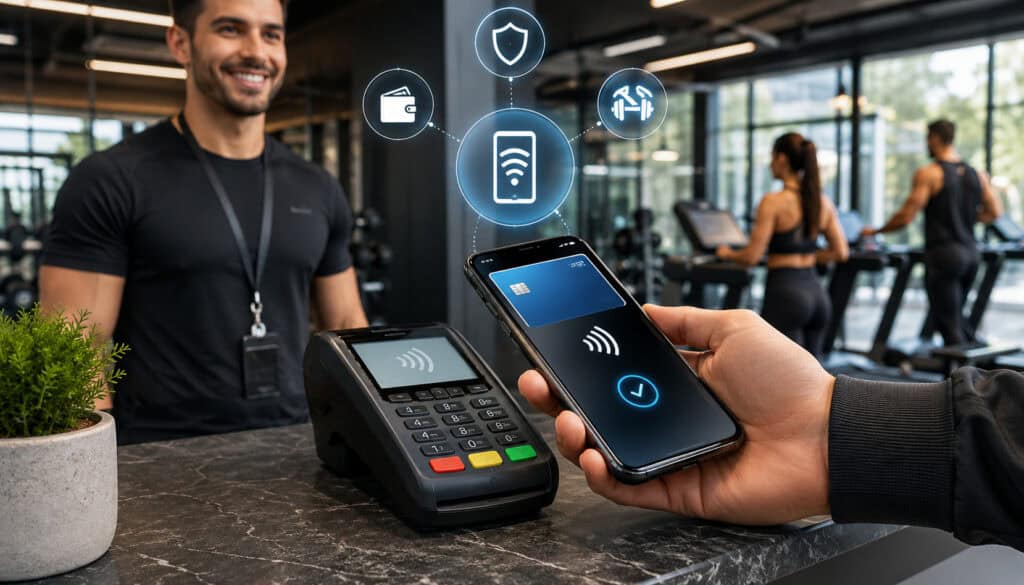
Mobile wallet payment processing for gyms follows the same basic payment path as many card transactions, but with a different method of payment presentation.
The member taps a device or contactless card, the terminal reads the payment credential, the payment request is securely transmitted, and the transaction is authorized or declined. Once approved, the studio receives confirmation and the transaction is recorded in the connected system.
In a fitness studio, this process may happen through several tools. A front-desk POS terminal may accept tap-to-pay transactions for merchandise and walk-ins.
A mobile reader may be used by personal trainers, pop-up classes, outdoor sessions, or wellness events. An online checkout page may accept digital wallet payments for bookings, class packs, or membership sign-ups.
The best setup depends on the studio’s business model. A boutique class studio may need strong online booking payments and fast check-in tools. A personal training studio may prioritize package sales and mobile terminal flexibility. A larger gym may need recurring billing, retail POS, access control integration, and detailed reporting.
A good payment processing setup for fitness businesses should support both the member experience and back-office operations. That includes authorization, settlement, reporting, refunds, chargeback visibility, and reconciliation.
Mobile wallet payments usually involve these steps:
- The member chooses a product, service, class, membership, or package.
- Staff open the transaction in the POS, booking system, or payment app.
- The member taps a phone, watch, or contactless card.
- The system securely sends the payment request.
- The payment is approved or declined.
- The transaction is recorded.
- A digital or printed receipt is issued.
- Funds settle according to the processor’s schedule.
For recurring billing, mobile wallets may also help members add a payment method during sign-up. However, studios should confirm how their payment processor and software handle wallet-based credentials for ongoing billing. Some systems support card-on-file tokens, while others may require a standard card or bank payment method for automatic dues.
Mobile Wallet Integration for Fitness Centers
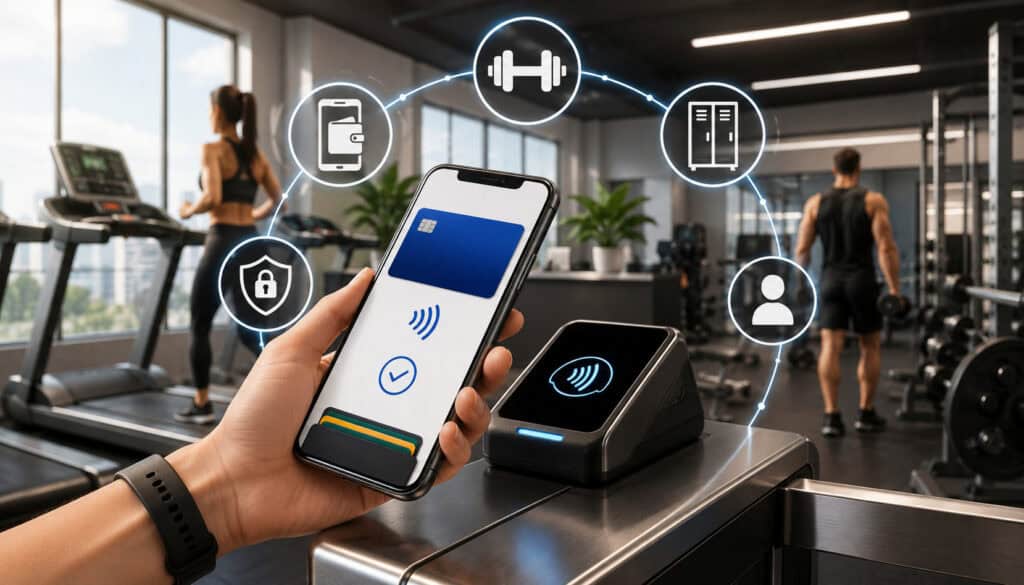
Mobile wallet integration for fitness centers is about more than turning on a contactless terminal. The real value comes when payments connect with the systems your studio already uses to run the business.
That may include class booking software, membership management tools, POS systems, accounting reports, email receipts, access control, and recurring billing platforms.
For example, a member may book a reformer Pilates class online, pay with a digital wallet, receive an automated confirmation, check in at the front desk, and later buy grip socks with a tap-to-pay transaction.
Ideally, all of those payment activities should appear in the same reporting environment or sync cleanly across connected systems.
This is why choosing compatible fitness payment processing tools matters. A studio should look for systems that support:
- Contactless in-person payments
- Apple Pay and Google Pay acceptance
- Online booking payments
- Membership and package payments
- Recurring billing
- Digital receipts
- Refund and void management
- Member profile syncing
- Sales tax tracking where applicable
- Reporting by location, class, trainer, or product category
The right integration can also help staff avoid double entry. If a payment is accepted at the front desk but must be manually entered into the booking system later, errors become more likely. Integrated tools reduce that risk by connecting payment activity to the member account or transaction record.
Studios reviewing payment solutions for fitness studios and gyms should think about daily workflows, not just payment acceptance. A system that works well during quiet hours may struggle during peak class times if it does not sync quickly, print receipts properly, or support staff permissions.
Mobile wallet integration also helps with reporting. Owners can review which services generate the most sales, which payment methods members prefer, and where failed or delayed payments occur. This information can guide staffing, pricing, retail inventory, and membership strategy.
Security Benefits of Mobile Wallet Payments
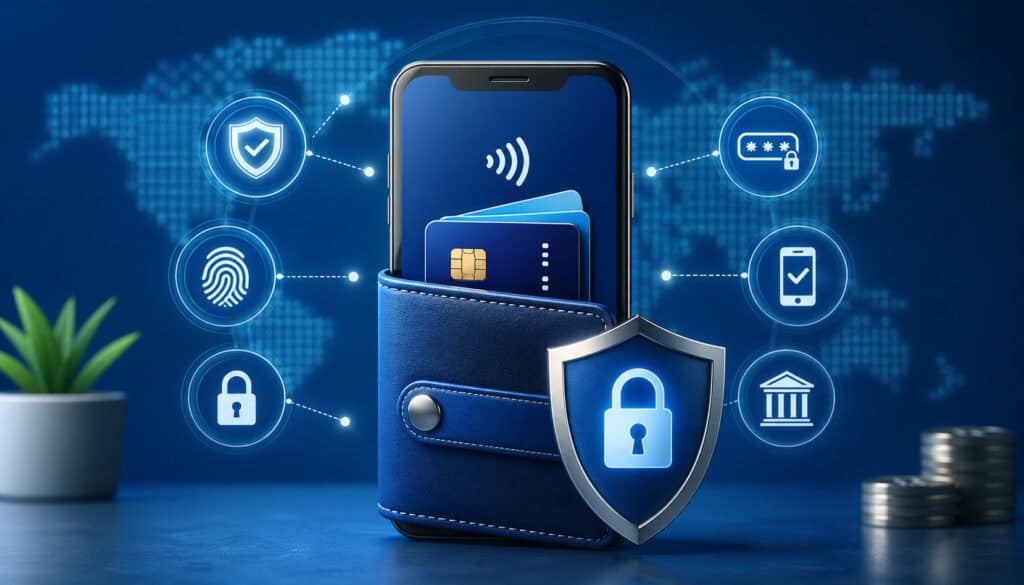
Secure gym payments are essential because studios handle sensitive member payment details, recurring dues, package purchases, and sometimes high-value training programs. Mobile wallets can support stronger payment security when used with reputable processors, compliant software, and secure terminals.
One major security advantage is tokenization. Instead of exposing the actual card number during a transaction, mobile wallets typically use a token or device-specific payment credential. This helps reduce the amount of sensitive card data involved in the payment flow.
Many mobile wallets also require biometric verification, a passcode, or device authentication before payment. This adds another layer of protection because the member must unlock or authorize the wallet before completing the transaction. For gyms and studios, this can reduce certain risks connected with lost cards or unauthorized card use.
Encryption is another important part of the process. Payment information should be protected as it moves from the terminal or checkout page through the processor and network. Studios should use approved hardware, secure gateways, and updated software rather than improvised payment methods or unprotected card collection.
PCI-aware workflows also matter. Even if a studio uses third-party software and payment processors, staff should avoid writing down card numbers, storing payment details in spreadsheets, taking card information through unsecured messages, or manually entering member payment details unless absolutely necessary and properly controlled.
Security benefits include:
- Less exposure of full card numbers
- Device-level authentication
- Tokenized transaction data
- Encrypted payment transmission
- Reduced manual card handling
- Better receipt and audit trails
- Stronger checkout consistency
The goal is not to assume mobile wallets remove every risk. Instead, studios should treat mobile wallet payments as one part of a broader payment security strategy. That strategy should include staff training, updated terminals, secure networks, user permissions, strong passwords, refund controls, and clear billing policies.
Costs and Fees to Consider
Mobile wallet payments for fitness studios can be highly useful, but owners should understand the full cost structure before choosing a provider or upgrading systems. The cost is not limited to the transaction fee. It may include hardware, software, gateway access, setup, support, chargeback management, and reporting tools.
Transaction fees are usually the first cost studios notice. Mobile wallet transactions may be priced similarly to card-present or card-not-present transactions, depending on how the payment is accepted.
A tap at the front desk may be treated differently from an online wallet checkout. The exact cost depends on the processor, card type, pricing model, and transaction environment.
Hardware is another consideration. A studio may need contactless-enabled terminals, mobile readers, countertop POS devices, or integrated kiosks. Some payment providers include equipment in a service package, while others charge upfront, monthly, or through lease-style arrangements. Owners should review the terms carefully.
Software costs may also apply. Booking platforms, gym management systems, billing tools, and POS systems may charge monthly fees or add-on fees for payment features. Some systems require a specific processor, while others allow more flexibility.
Costs to evaluate include:
- In-person transaction processing fees
- Online checkout fees
- Payment gateway fees
- POS software fees
- Booking software payment add-ons
- Contactless terminal costs
- Mobile reader costs
- Chargeback fees
- PCI-related fees
- Batch or settlement fees
- Statement fees
- Early termination or equipment return terms
Settlement timing is also important. A studio with weekly payroll, rent, instructor payouts, or inventory purchases needs predictable cash flow. Owners should ask when funds are deposited, whether weekends or holidays affect timing, and whether faster deposits cost extra.
Studios setting up gym merchant services should compare pricing in context. The cheapest advertised rate is not always the best value if the system creates reporting gaps, poor support, weak integration, or failed billing headaches.
Common Mistakes Fitness Studios Should Avoid
Mobile wallet payments can improve the member experience, but only when implemented thoughtfully. One common mistake is assuming that all terminals already support contactless payments.
Some older devices may process chip and swipe transactions but fail to accept NFC payments. If staff discover this during a busy class rush, the result can be frustration for both members and employees.
Another mistake is unclear payment communication. Members should know which payment methods are accepted, whether mobile wallets can be used for memberships, and how recurring billing works. Confusing policies can lead to disputes, failed payments, and uncomfortable front-desk conversations.
Weak staff training is also a common issue. Employees should know how to start a mobile wallet transaction, troubleshoot a failed tap, send a digital receipt, process refunds, and explain payment options. Without training, staff may default to manual card entry even when faster methods are available.
Receipt tracking deserves attention too. Studios should make sure each payment generates a clear record connected to the right member, service, or product. This helps with member questions, end-of-day closeouts, sales reporting, and refund requests.
Avoid these mistakes:
- Keeping outdated terminals that do not support contactless payments
- Failing to test Apple Pay and Google Pay before launch
- Not training staff on tap-to-pay workflows
- Accepting payments that do not sync with member accounts
- Using unclear cancellation or billing policies
- Ignoring failed recurring billing alerts
- Forgetting to send receipts
- Not reviewing payment reports regularly
- Using unsecured manual card collection methods
- Launching online wallet checkout without testing the full booking flow
Studios should also avoid treating mobile wallets as a replacement for every payment method. Some members may still prefer cards, ACH, or other approved options. The best strategy is payment flexibility, not payment restriction.
Best Practices for Accepting Mobile Wallet Payments
The best mobile wallet setup is easy for members, simple for staff, and reliable for owners. Start with contactless-enabled terminals that support Apple Pay, Google Pay, tap-to-pay cards, and other digital wallet payments. The terminal should be fast, clearly placed, and connected to your POS or booking system whenever possible.
Next, train staff on standard workflows. A payment system is only as good as the team using it. Staff should know how to select the correct item, confirm the amount, prompt the member to tap, verify approval, and send the receipt. They should also know what to do if the tap fails, the device is not recognized, or the member wants to use another payment method.
Studios should display accepted payment signs near checkout. Clear signage reduces questions and encourages members to use contactless options. This is especially helpful for new members, drop-in visitors, and retail shoppers.
Digital receipts are another best practice. They make it easier for members to track purchases and easier for studios to resolve questions. Receipts should include the date, amount, service or item, payment status, and refund policy where applicable.
For online booking payments, the checkout page should be mobile-friendly. Many members book classes from their phones. If the page is slow, confusing, or difficult to complete, the studio may lose bookings before payment is even attempted.
Best practices include:
- Use contactless-enabled terminals at the front desk.
- Confirm compatibility with Apple Pay and Google Pay.
- Keep POS and booking software updated.
- Train staff on payment, refund, and receipt workflows.
- Display accepted payment options clearly.
- Offer digital receipts.
- Test online booking payments from mobile devices.
- Review failed payment reports.
- Keep billing policies visible and consistent.
- Use secure payment links for remote payments.
- Maintain backup payment options.
- Reconcile daily transactions.
Studios that already use mobile payment tools for fitness professionals should review whether their current setup supports growth. A tool that works for a solo trainer may not be enough for a multi-room studio with memberships, retail, and recurring billing.
Conclusion
Mobile wallet payments for fitness studios are no longer just a modern extra. They are a practical payment upgrade that supports faster checkout, stronger member payment convenience, cleaner front-desk workflows, and more flexible fitness payment processing.
From Apple Pay for fitness studios and Google Pay for gyms to tap-to-pay fitness payments, online booking payments, and secure gym payments, mobile wallets help studios meet member expectations across the entire payment journey.
When combined with the right POS tools, booking software, recurring billing setup, and gym merchant services, they can make everyday operations smoother.
The best approach is balanced and thoughtful. Use contactless-enabled terminals, train staff, test workflows, keep systems updated, communicate policies clearly, and continue offering payment options that fit different member preferences.
With the right setup, mobile wallet payments can improve speed, security, and satisfaction while helping fitness studios deliver a more professional payment experience.